SDAT provides a Web-based user interface. It includes 2 categories of web pages:
- Main Page: allows users to select and find datasets of interest based on different filtering criteria. provides a list of all the available datasets, their preview images, a keywords search box, and links to metadata pages and KMZ files.
- DataSet Page: allows users to select and find data granules of interest based on different filtering criteria, provides OpenLayers-based interactive map widget in the middle, along with rich file-level metadata information, and WCS-based options for on-demand data access.
Click on the images below to see detailed information about these three categories of web pages:
| Main Page | Dataset Page |
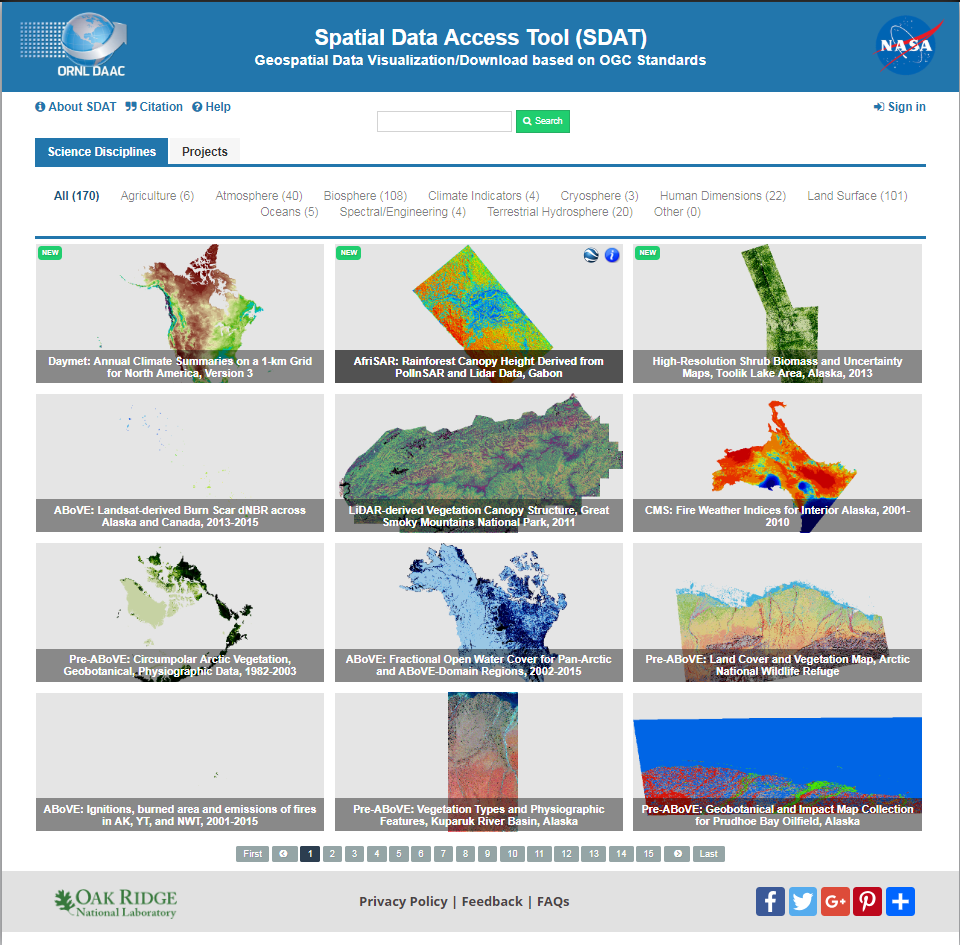 |
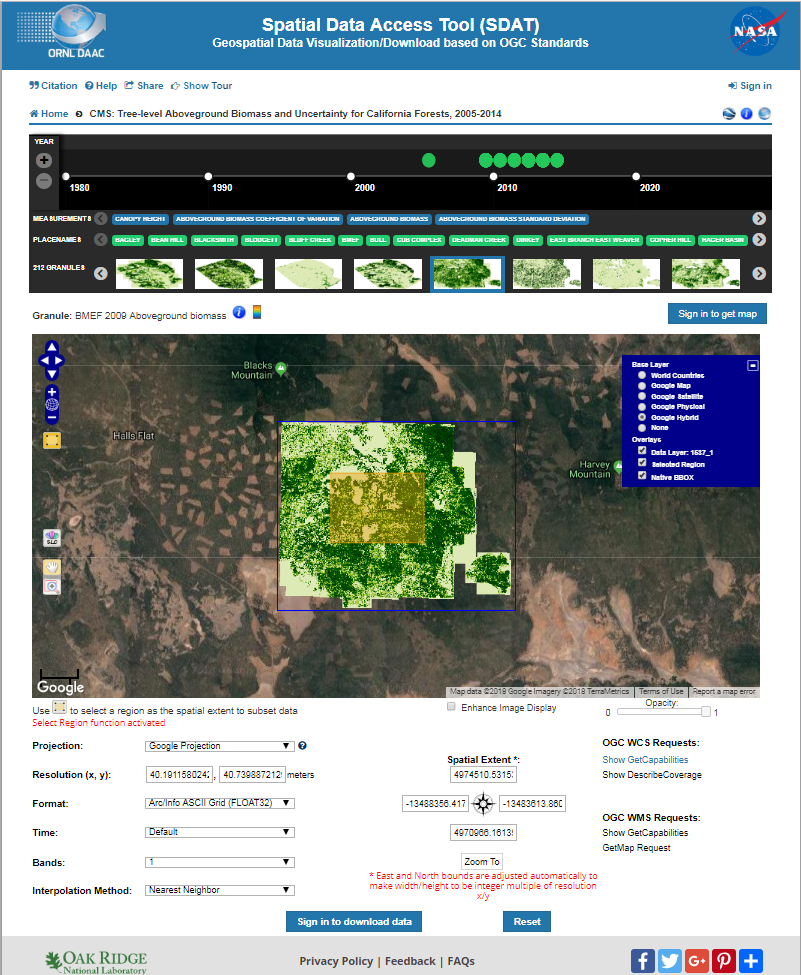 |